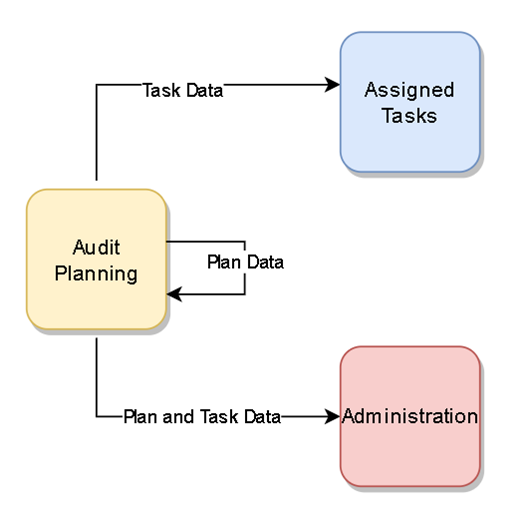
When you create or modify an inventory audit plan, the system creates or updates the audit plan work in the appropriate areas of the software for everyone involved in the process: the counters, managers, and planners.
-
Audit Planning tab – Saved audit plan details are displayed in a list view for the planner and managers to track the status, pause the progress, or modify the audit plan as needed.
-
Administration tab - Saved audit plan details are displayed in a list view that shows the individual tasks for all counters involved in the plan for tracking and resolving filtered by the viewing manager.
-
Inventory Audit Tasks window (assigned tasks) – Saved audit plan details are displayed in a list view that shows the individual tasks for each counter; the details are carried over to each action screen.