
Audit planning and administration
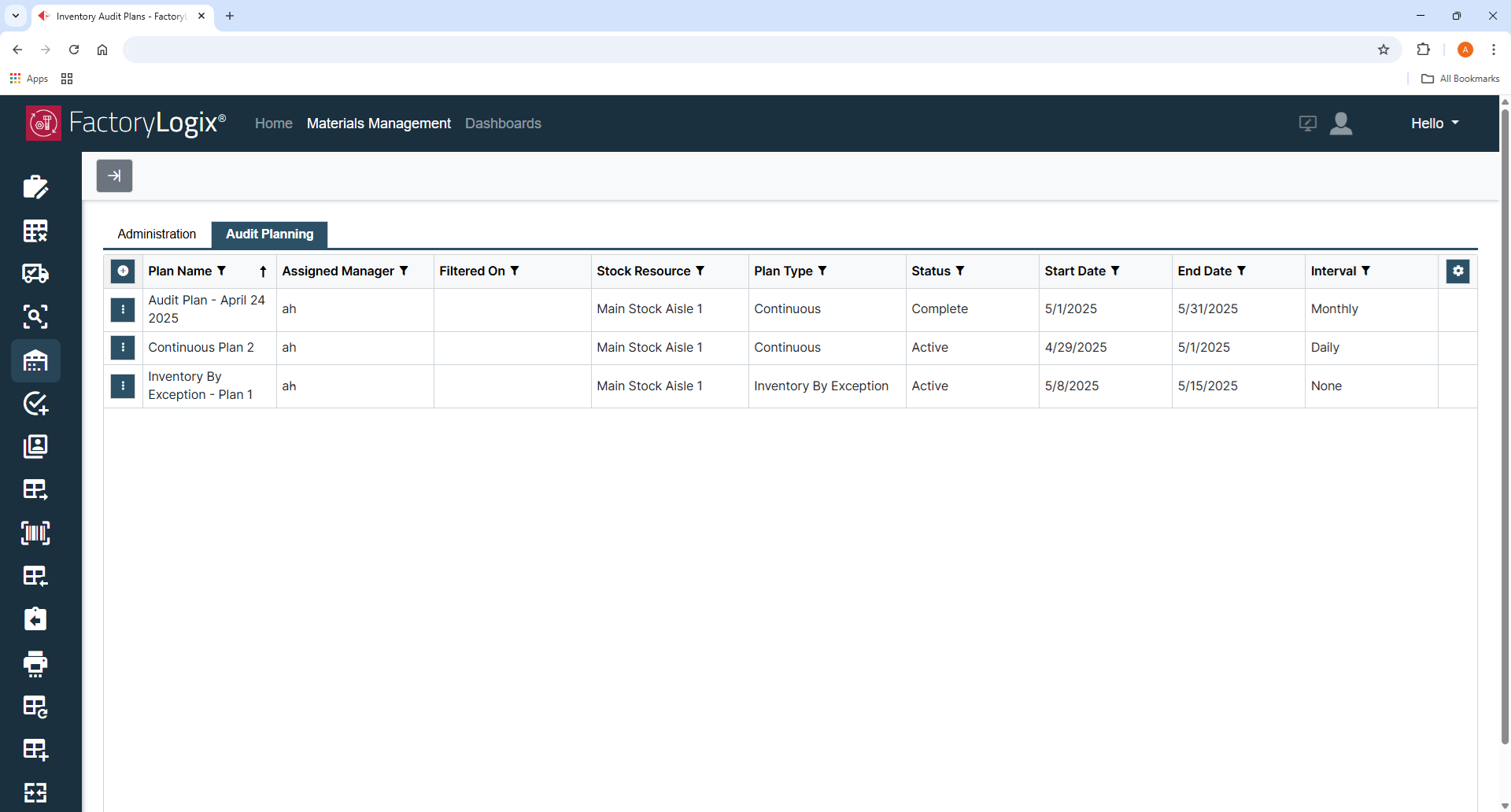
When you log into the FactoryLogix website and select the Inventory Audit Plans command on the left side of the window, you'll see one or two tabs, depending on your system permissions: Audit Planning and Administration.
Audit Planning tab – This tab displays all current inventory plans and allows you to create, modify, pause, or delete selected plans. (You must have the appropriate permissions to access and use this area of Materials Management.)
Administration tab – This tab displays all the audit plans assigned to a manager and allows managers to analyze and resolve any inventory related to the count data. (You must have the appropriate permissions to access and use this area of Materials Management.)

Note
The UI elements you see in Materials Management for inventory auditing are controlled by your FactoryLogix administrator in FactoryLogix Office global options (Manage Roles tab). When applied, the role permissions allow you to view and edit inventory auditing plans and /or allow you to put an existing inventory auditing plan “on hold” or release a plan already “on hold”. Consult your FactoryLogix administrator if you need your role permissions for inventory auditing modified. See Global options for inventory auditing for more information.

Related topics |
|---|