
Log into the website
Use the following procedure to log into the FactoryLogix website.

Note
These instructions assume that the FactoryLogix website was previously configured by a FactoryLogix administrator.
Open a browser window, enter the URL of the website in the address bar, then press Enter to display the login window. (The URL is http://<webservername>:<port>.)
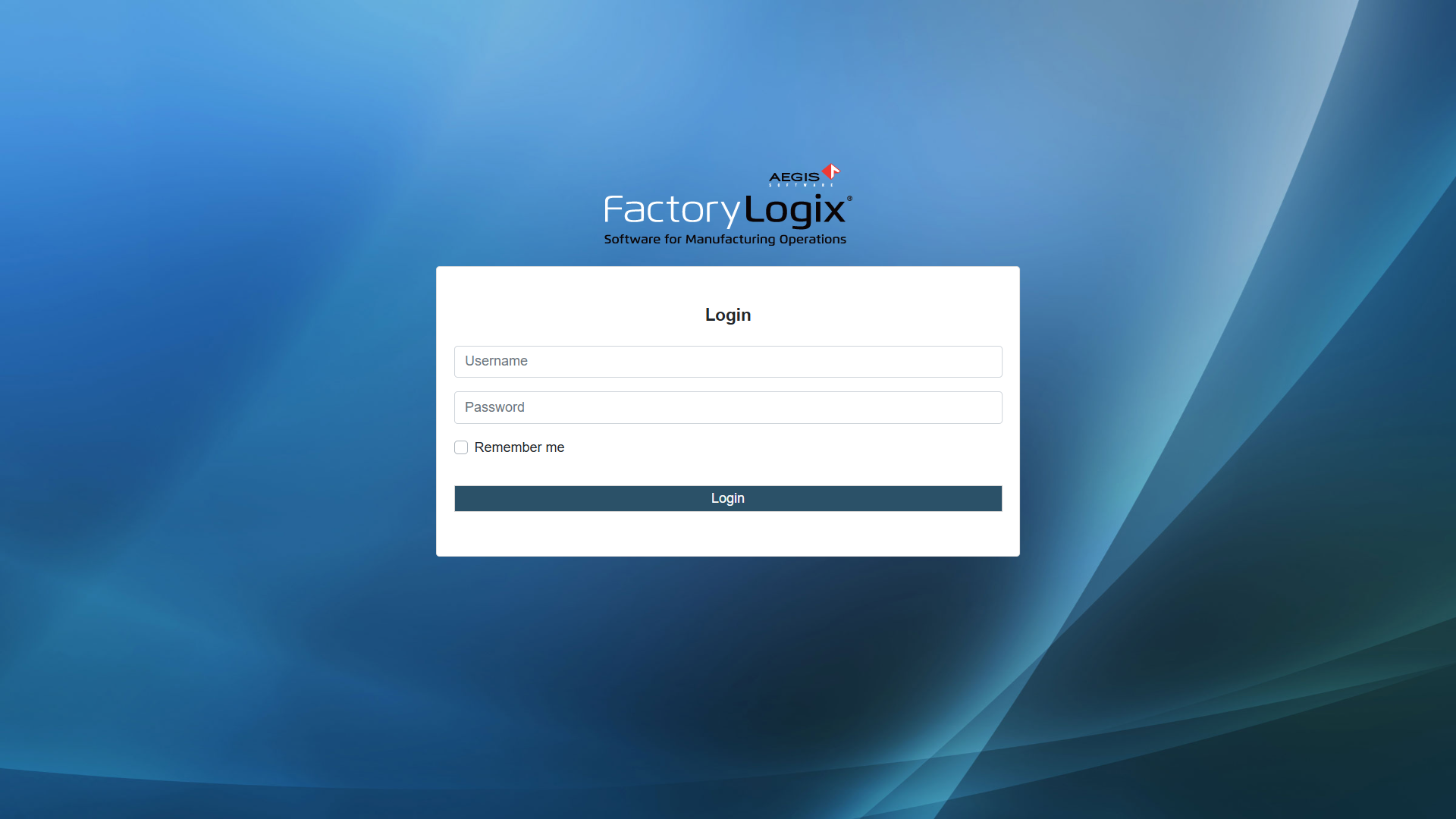
Enter your FactoryLogix Username and Password, then select Login.
(Optional) Select the Remember Me check box if you want the website to remember your login credentials for 30 days. (The next time you visit the website, the browser automatically fills in the Username and Password field for you.)
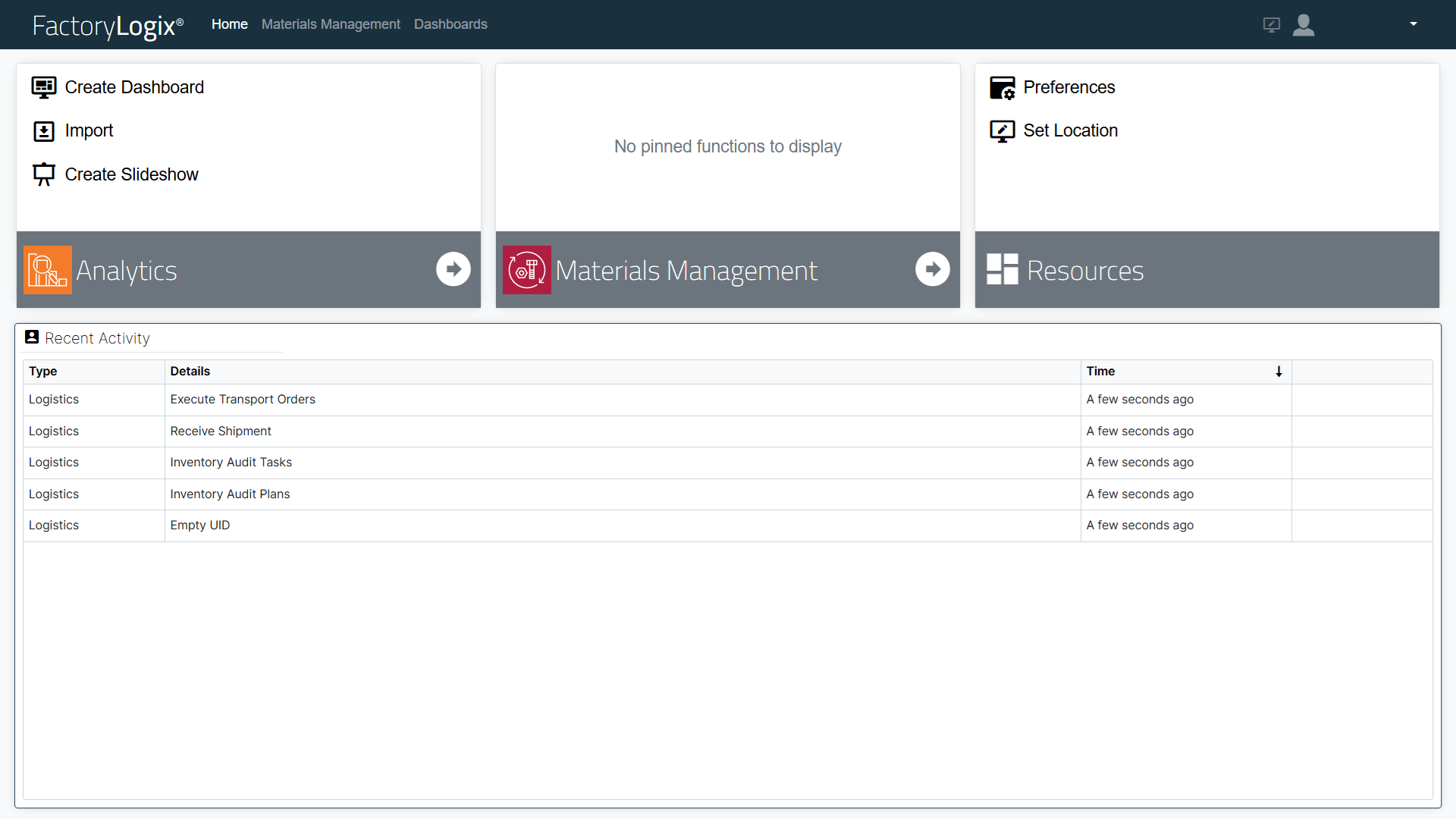
The main window displays.
Note
The Remember Me check box in the login window is controlled by a user permission in FactoryLogix Office. When the permission is disabled, you will be warned at login time that your session will not be remembered.
Set the website session timeout duration
In FactoryLogix Office > System Configuration > Settings, an administrator can specify the amount of time (in minutes) a user's session remains valid when they leave their web browser open and inactive on the FactoryLogix website. After a user has been inactive for the specified amount of time, the session is no longer valid and the user will be forced to login the next time they interact with the website. See the General topic for more information about this global setting.
Related topics |
|---|