Introduction
The Specification Management Library allows you to manage and save characteristics, specifications, and documents related to the products you manufacture using FactoryLogix. The library can help you manage product data for highly customizable assemblies/assembly revisions with multiple configurations/variations that share some but not all specifications, characteristics, and documents. The library can also help you manage the capabilities of physical test equipment (also referred to as Automated Test Equipment or ATE) used in your manufacturing processes.
The Specification Management Library is a central repository for:
-
Shared characteristics, specifications, and documents that comprise the standards for your customizable assemblies
-
Shared characteristics, documents, and products that comprise the capabilities of connected equipment (automated test equipment (ATE), for example)
What are the benefits?
Setting up shared/linked data in the Specification Management Library can dramatically reduce the administrative tasks you might typically need to do for individual process revisions in FactoryLogix Office over time, particularly when manufacturing specifications or acceptable values may change. Any changes you make to items in the Specification Management library will immediately affect all process definitions that use the data, making it fast and easy to manage the data for many processes simultaneously.
Example
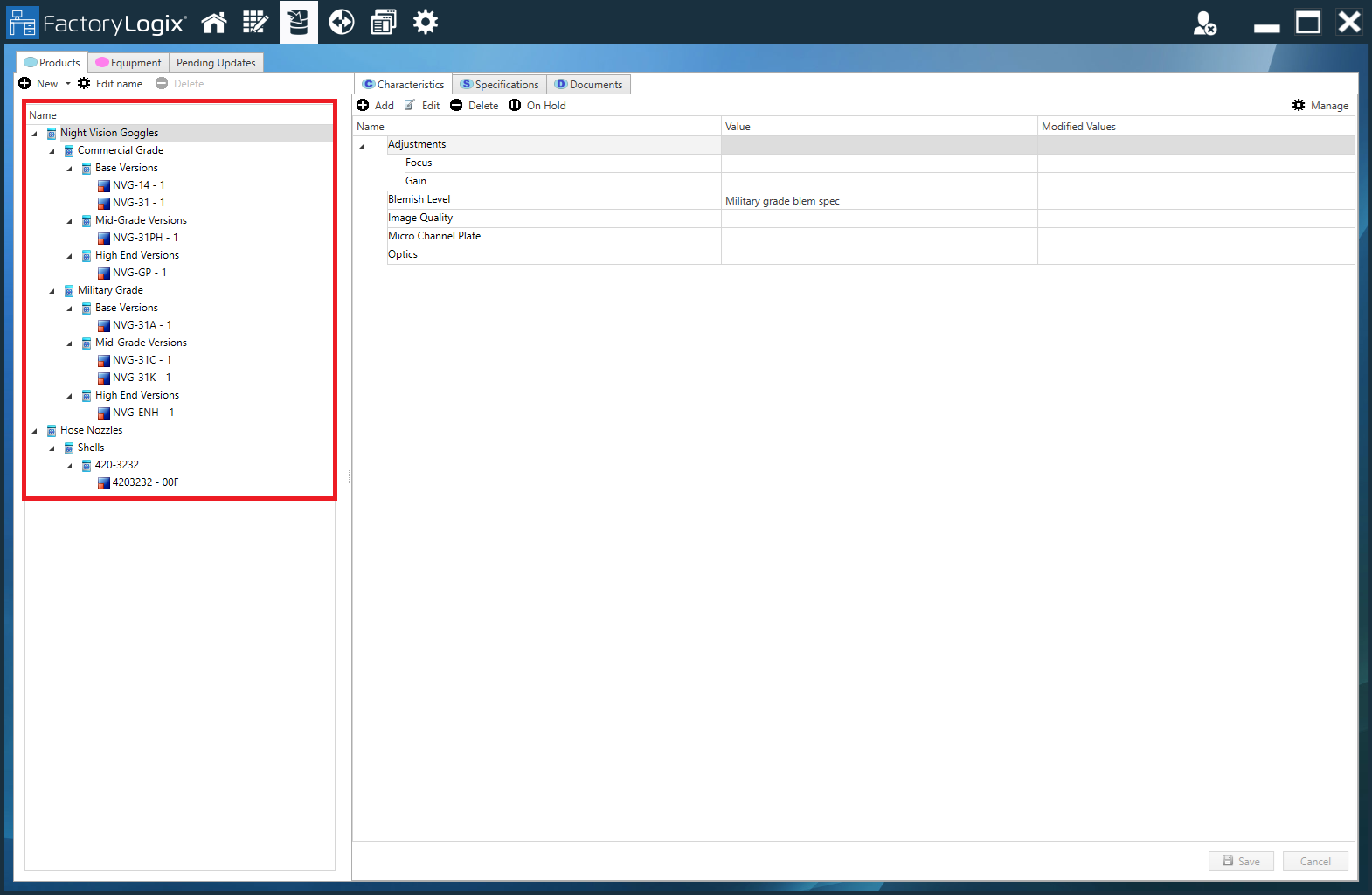
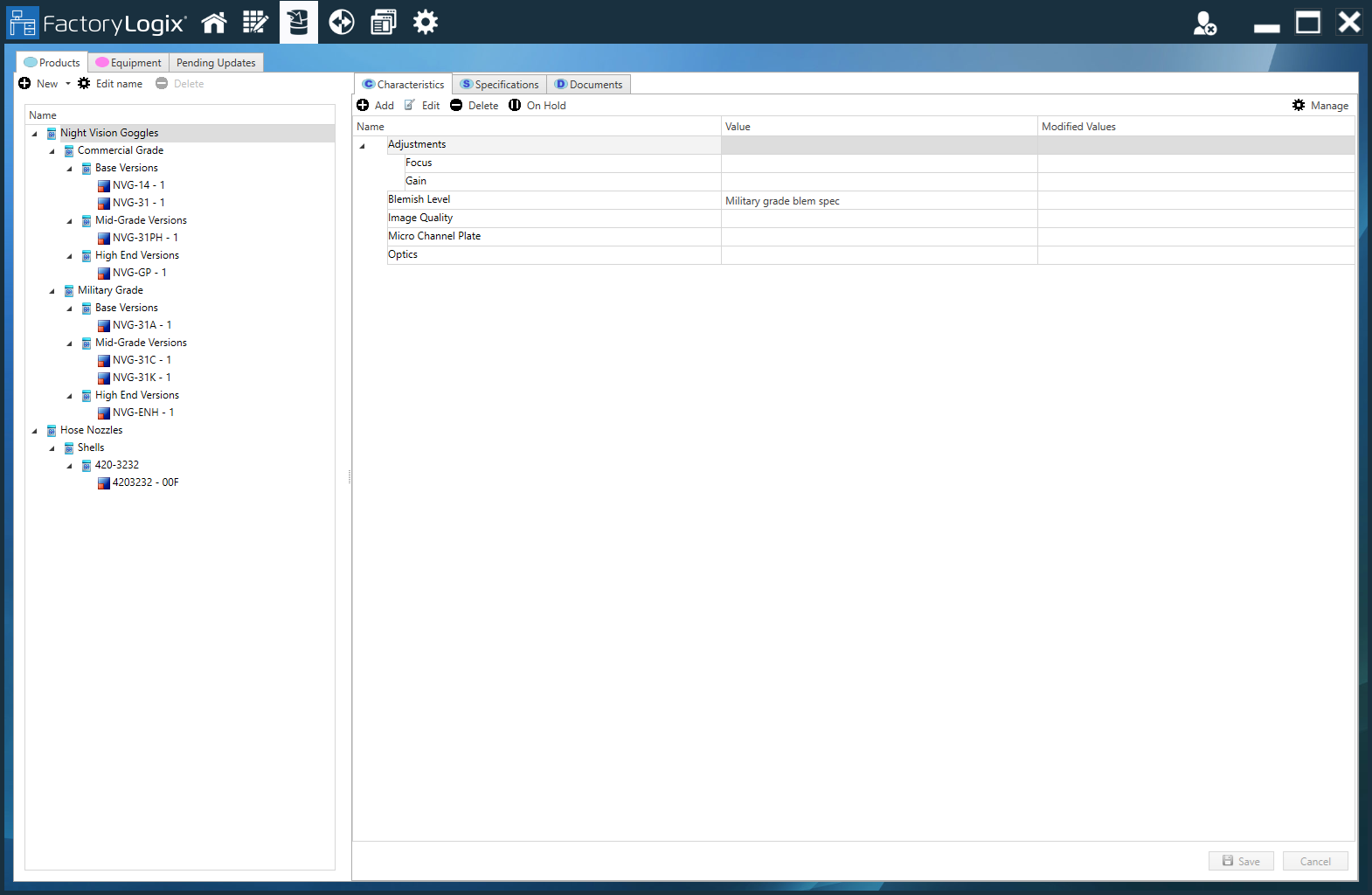
Suppose you manufacture six different types of night vision goggles. Each type is manufactured to slightly different specifications (size, objective lens diameter and magnification power, eye cup type, body color, and so on), but all of the night vision goggles share some of the same standard parts. Each night vision goggle type also has a different user manual. By recording the characteristics, specifications, and documents that all six types of night vision goggles share in the Specification Management library, you can make changes to all process definitions quickly if any of those items change over time—rather than having to open, change, and save the changes in each individual process definition.

What can I do in the library?
In the Specification Management library, you can do the following:
-
Create product and equipment hierarchies for shared data
-
For assemblies and assembly revisions: assign shared characteristics, specifications, and documents
-
For connected equipment: Assign shared characteristics, documents, and test machine/connected equipment information for selected assemblies and assembly revisions. Harvest test results from external systems and record the results against the FactoryLogix Trace record of assemblies as they are being tested
Hierarchy, inheritance, and shared data
The Specification Management Library uses a familiar, hierarchical tree structure that utilizes the concept of inheritance to help you set up shared/linked data for multiple assemblies or assembly revisions.
-
Every child node in the tree inherits from its immediate parent.
-
When you set up shared data for a node in the inheritance tree, everything under that node will use the same shared data until you change it.
Shared data might be a specific data collection value that 10 of 12 assembly revisions share (an acceptable value range, for example). If that shared data collection value changes over time, you only need to change it once in the Specification Management library tree instead of changing the value in each individual process revision in FactoryLogix Office—which would be very time consuming! After changing the shared value, any new assemblies added to the inheritance tree will use the new value. (Later in this topic, you'll learn more about using the library tree and the concept of inheritance to set up shared/linked data for assemblies and assembly revisions.)
Note
The Specification Management Library is also supported by the FactoryLogix xTend API. See xTend API documentation for more information.