
On the Audit Planning tab, when you select Filtered On or Stock Resource, a search window allows you to select from a pool of specific data.
Example: If a planner selects Material Group for the Filtered On column, a pop-up lists all available Material Groups.
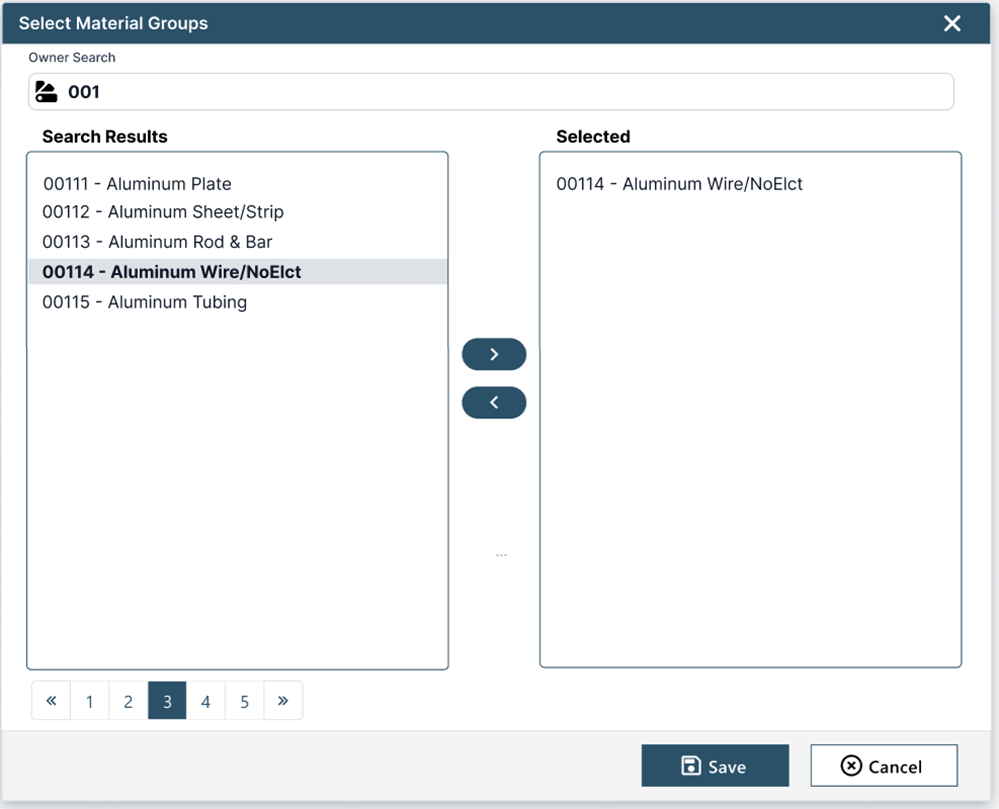
A search field at the top of the dialog allows the audit planner to filter the result set. When the planner begins entering the name of the material group, the system auto-fills the values and displays the search results on the left side of the dialog. The planner can highlight and select one or more values in the list and use the right arrow button to move the value to the right side of the dialog for the particular property being defined.