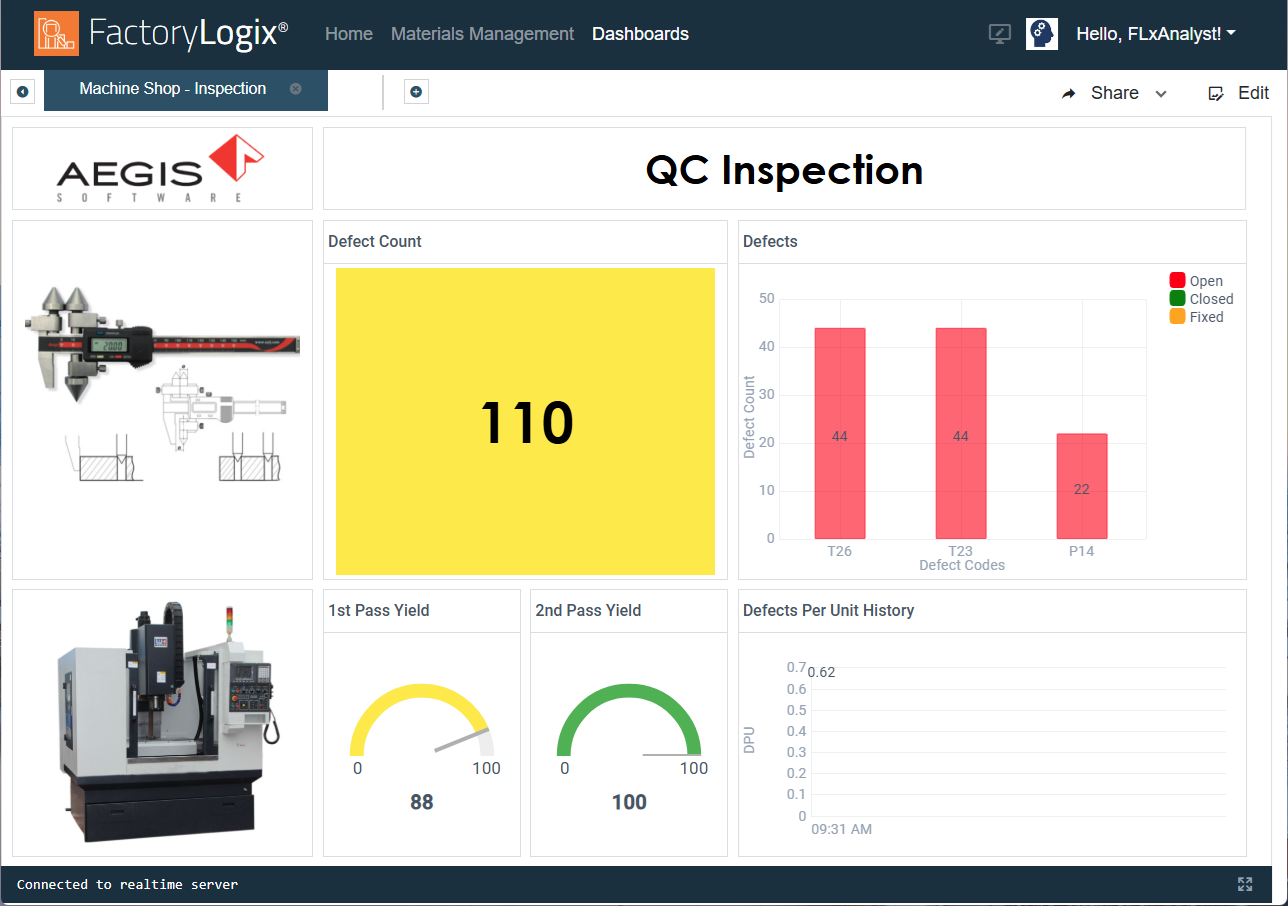
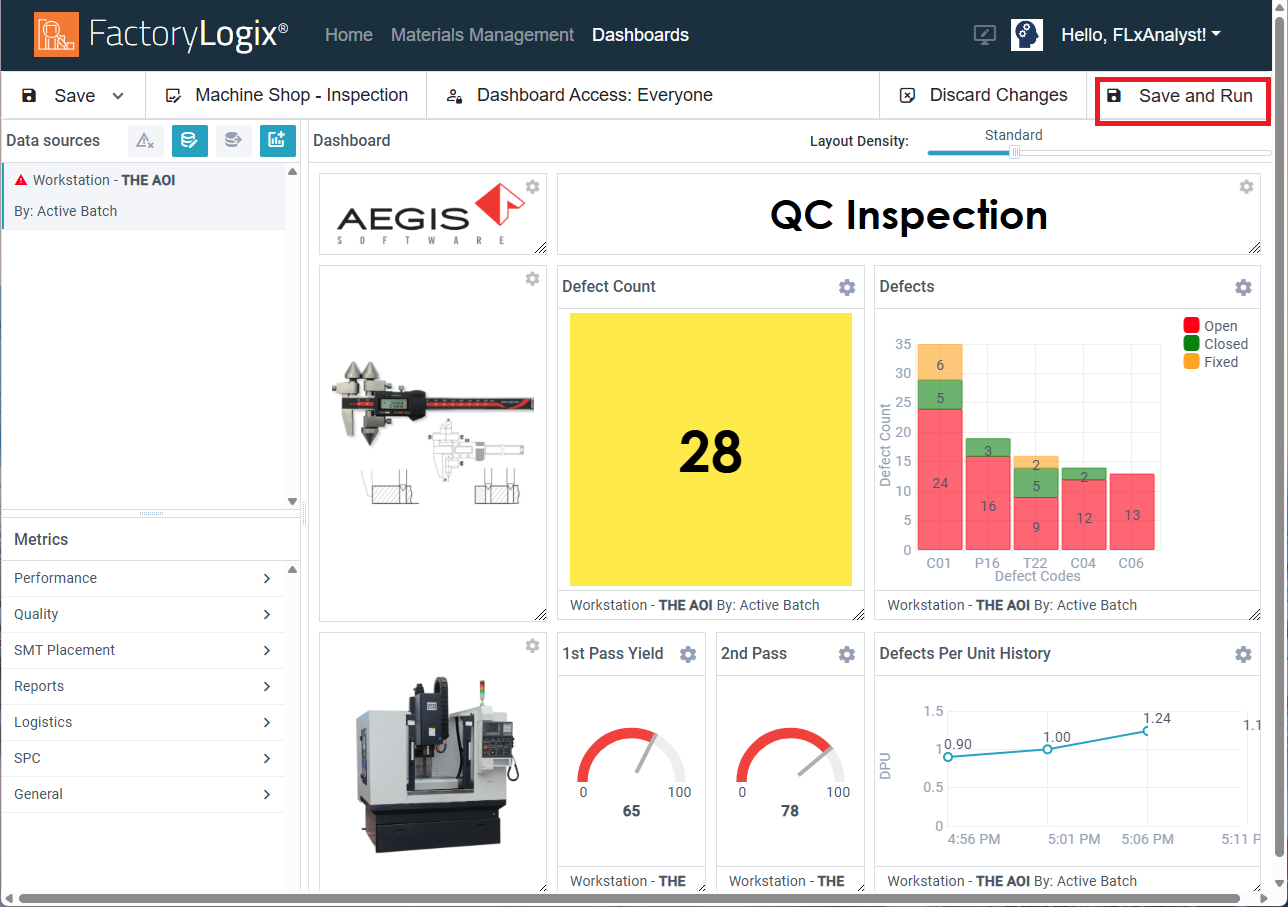
The Save and Run command in the upper-right corner of the Dashboards window lets you save the current dashboard and run it immediately in view mode using real-time factory data based on the data sources and metrics you selected. Using the Save and Run command is a great way to preview your dashboard using real-time factory data.
When you run a dashboard, you will see the message Connected to realtime server in the lower-left corner of the window.