Unattended dashboard viewer access
Dashboard access rights for viewing (not editing) unattended slide shows are controlled by a FactoryLogix administrator (or a user with administrator rights) in FactoryLogix Office > System Configuration > Users and Roles area.
On the Manage People tab under User Information, select the Unattended Dashboard Viewer check box.
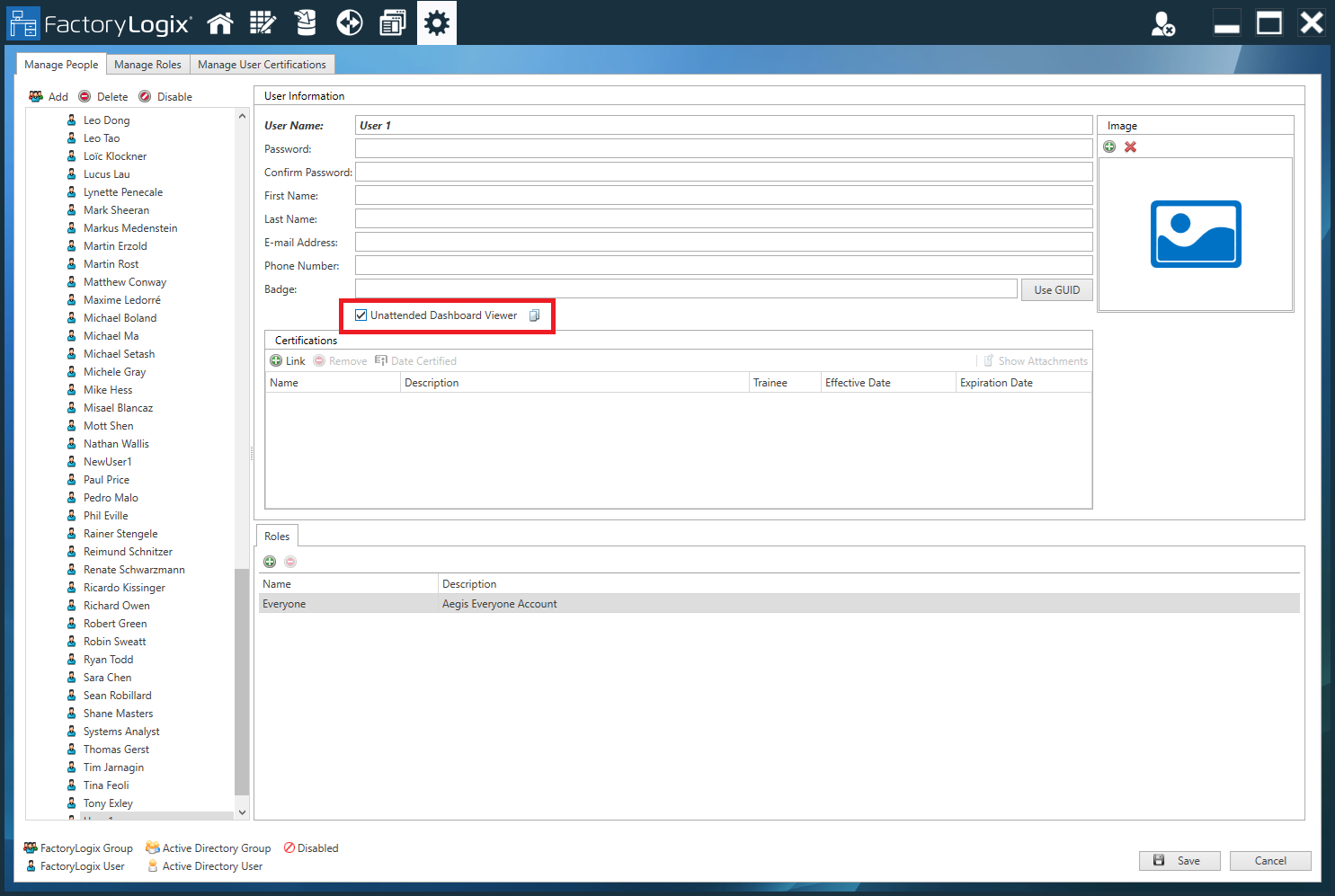
Select Save.
The user now has permission to view and run unattended dashboards and slide shows without interacting with the web browser. This option works well for situations where dashboards are launched on the factory floor where no user interacts with the associated PC, such as dashboards hanging over a line or on a wall for everyone to view.
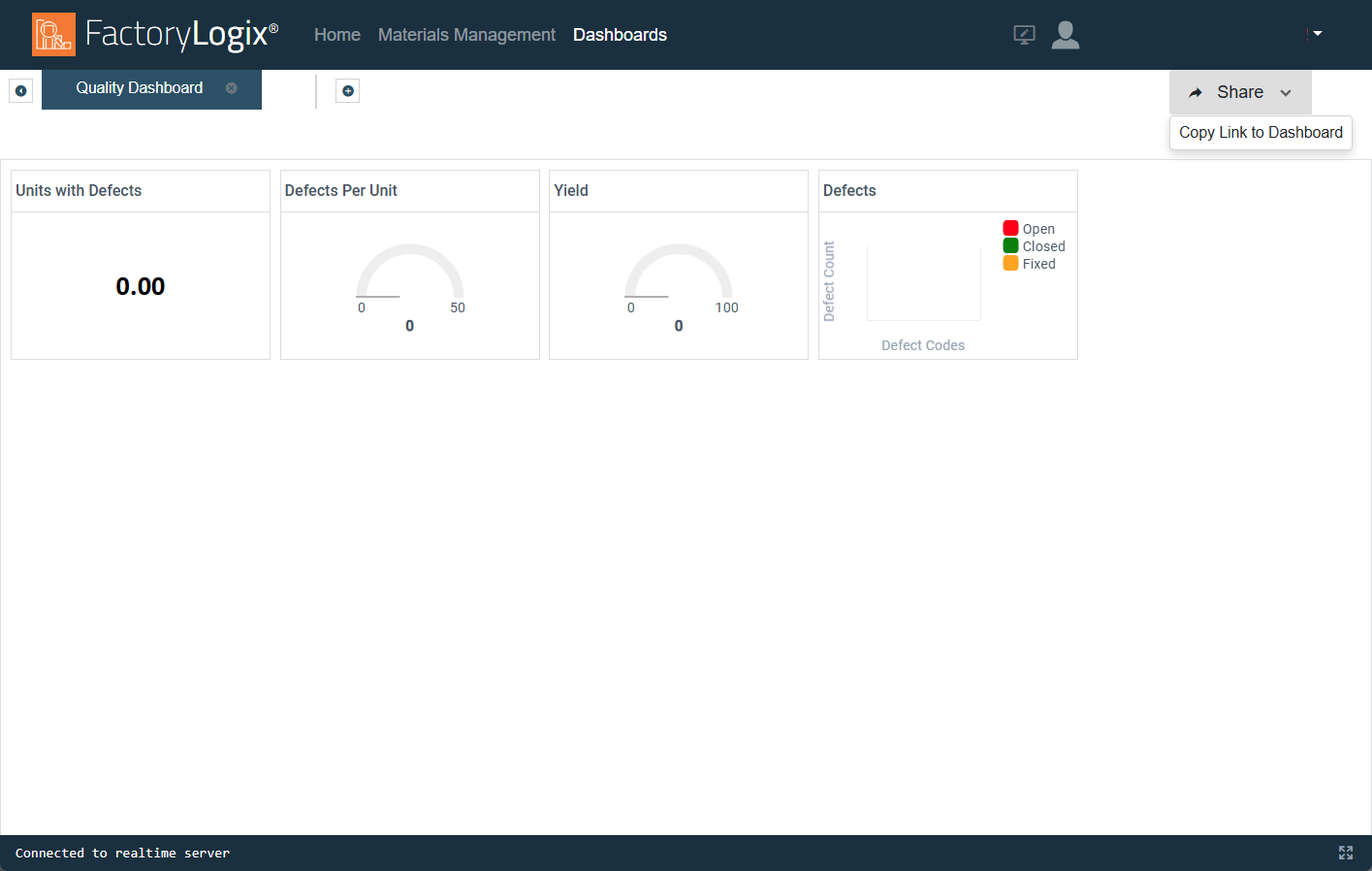
When logged into FactoryLogix Analytics on the FactoryLogix website, the user with Unattended Dashboard Viewer permission can open a dashboard and select Share > Copy Link to Dashboard and enter the link in a browser to run an unattended dashboard.