Share a dashboard
After you create and save a dashboard, you can share it.
Select the Share command in the upper-right corner of the window.
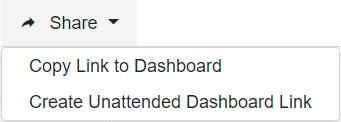
Do one of the following:
Select Copy Link to Dashboard – Copies the url of the dashboard so you can share it with others.
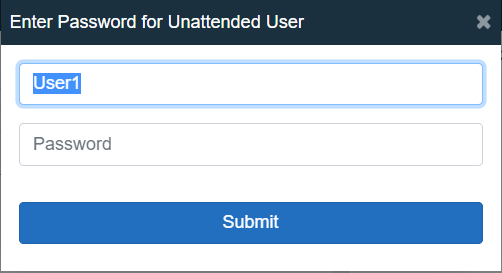
Select Create Unattended Dashboard Link – Enter a user name and password to be used to launch the unattended dashboard/slide show. The user must have the Unattended Dashboard Viewer option selected in their user profile in FactoryLogix Office (see User rights for unattended dashboards for details).
Unattended access works well for situations where dashboards are launched on the factory floor where no user interacts with the associated PC, such as the dashboards hanging over a line or on a wall for everyone to view.