
Note
These instructions assume that the FactoryLogix website was previously configured by a FactoryLogix administrator.
-
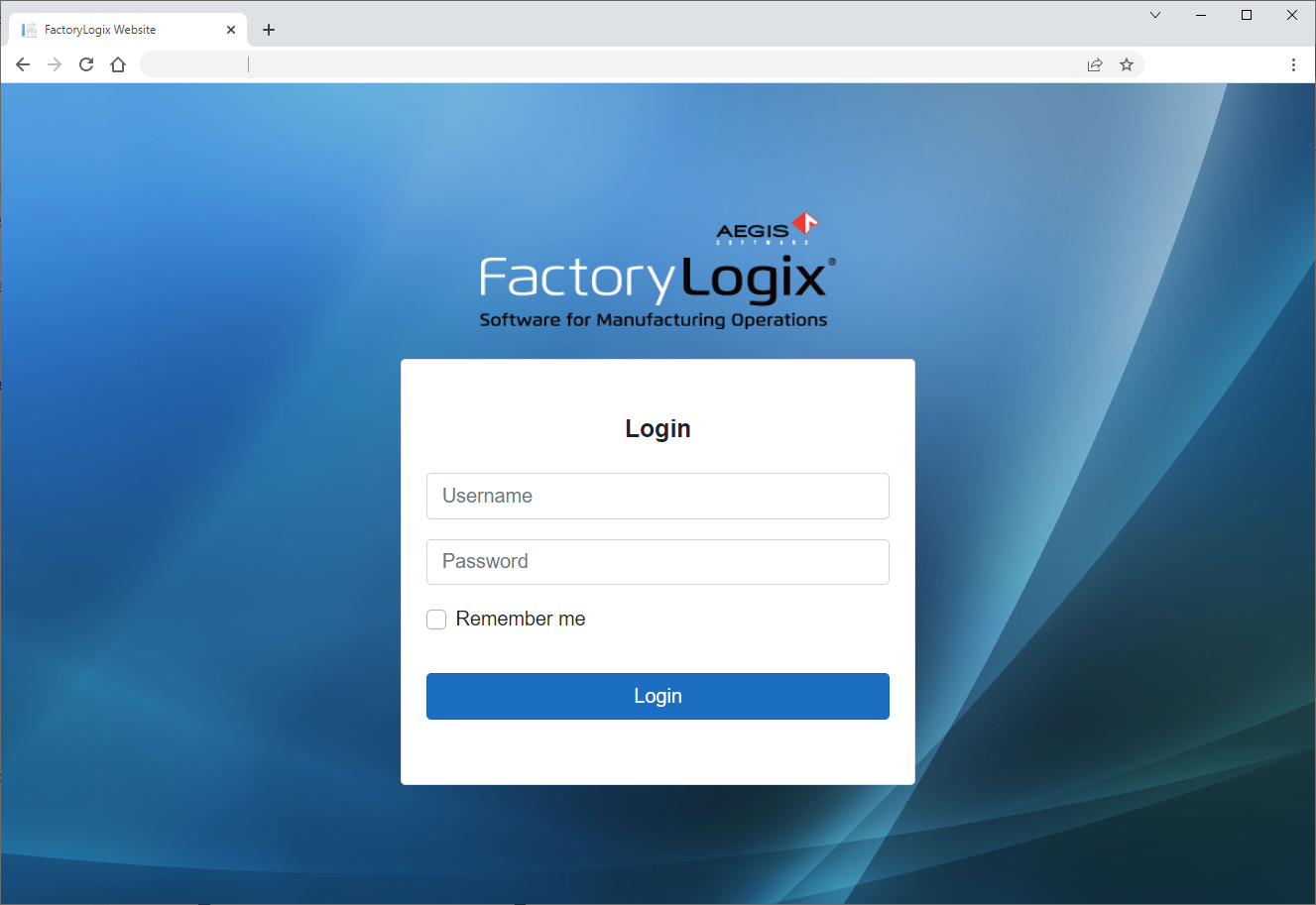
Open a browser window, enter the URL of the FactoryLogix website in the address bar, then select Enter to display the login window. (The URL will be http://<webservername>:<port>.)
-
Enter your FactoryLogix Username and Password, then select Login.
-
(Optional) Select the Remember Me check box if you want the website to remember your login credentials for 30 days. (The next time you visit the website, the browser automatically fills the Username and Password field for you.)
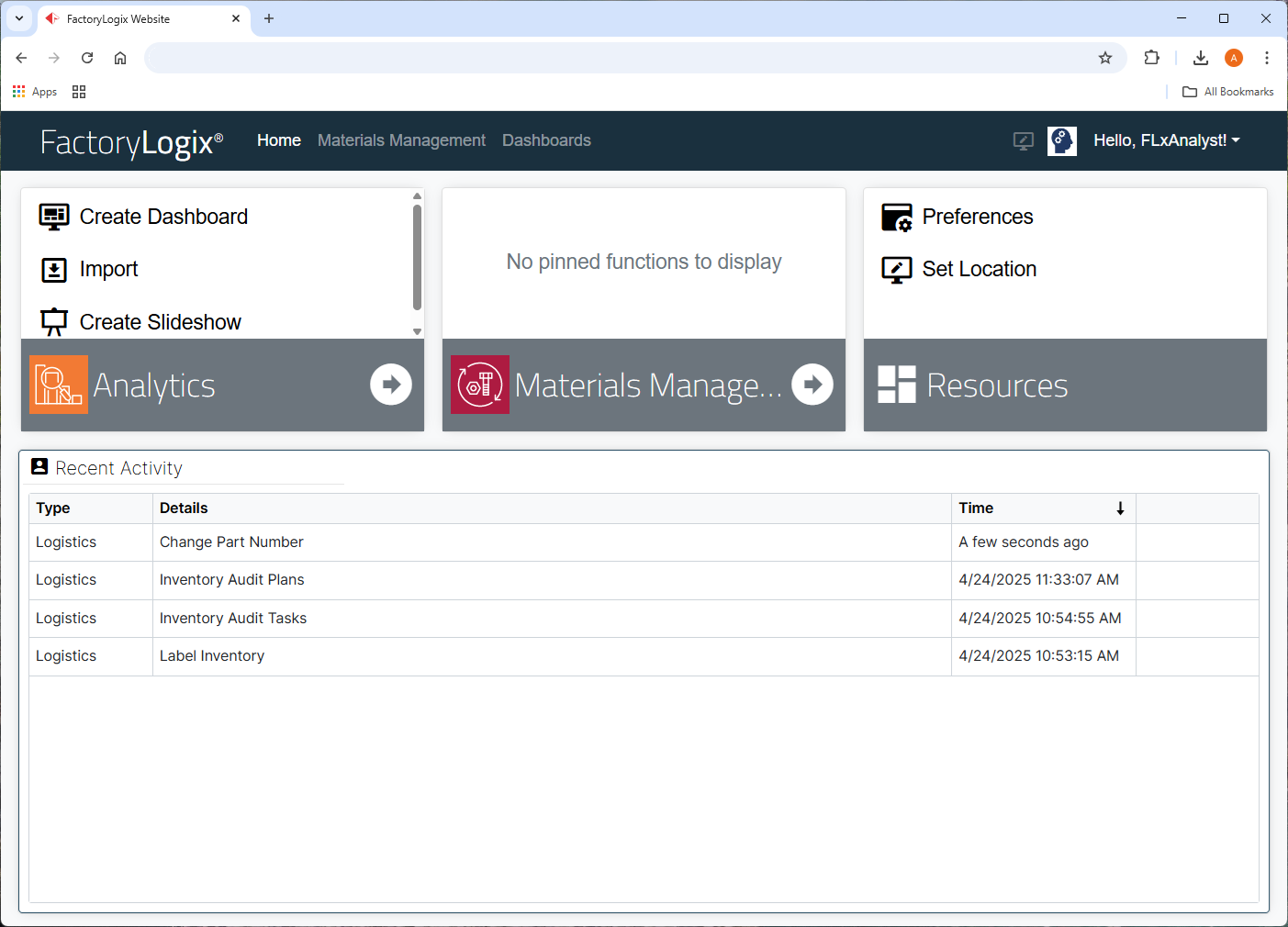
The FactoryLogix website main window displays.
-
Select Materials Management.
-
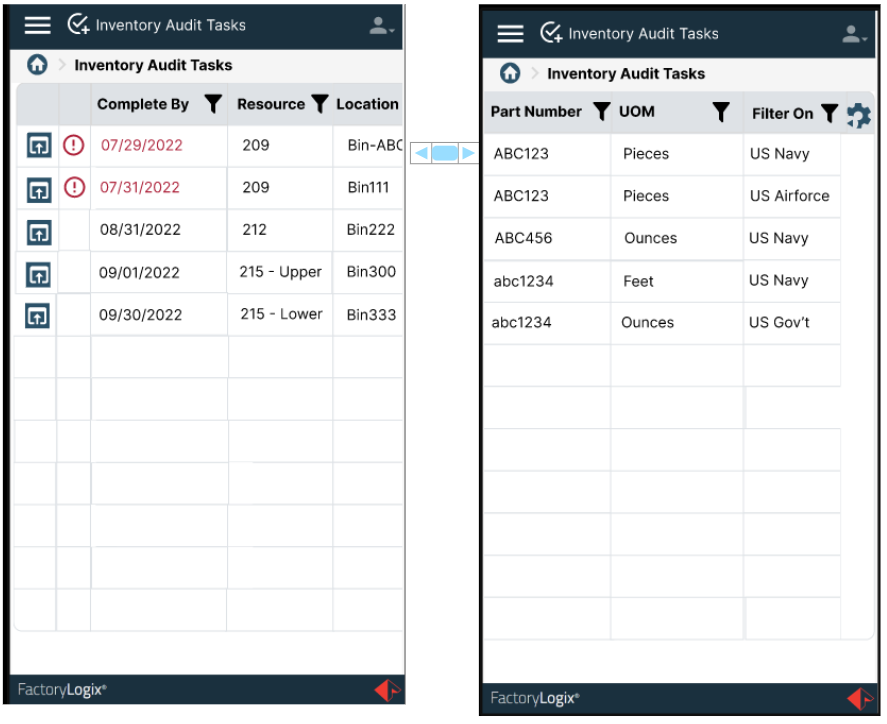
On the left side of the window, select Inventory Audit Tasks to display a list of the tasks assigned to you (the counter).
Note
As a counter, you will only see the active tasks assigned to you; when those tasks are completed, the tasks are removed from the window.
|
Related topics |
|---|