
Global options for inventory auditing
ADMINISTRATOR
FactoryLogix Office has several global options that allow you to control inventory auditing.

Note
A FactoryLogix administrator (or a user with administrator rights) controls the inventory auditing features users have access to using FactoryLogix Office global options.
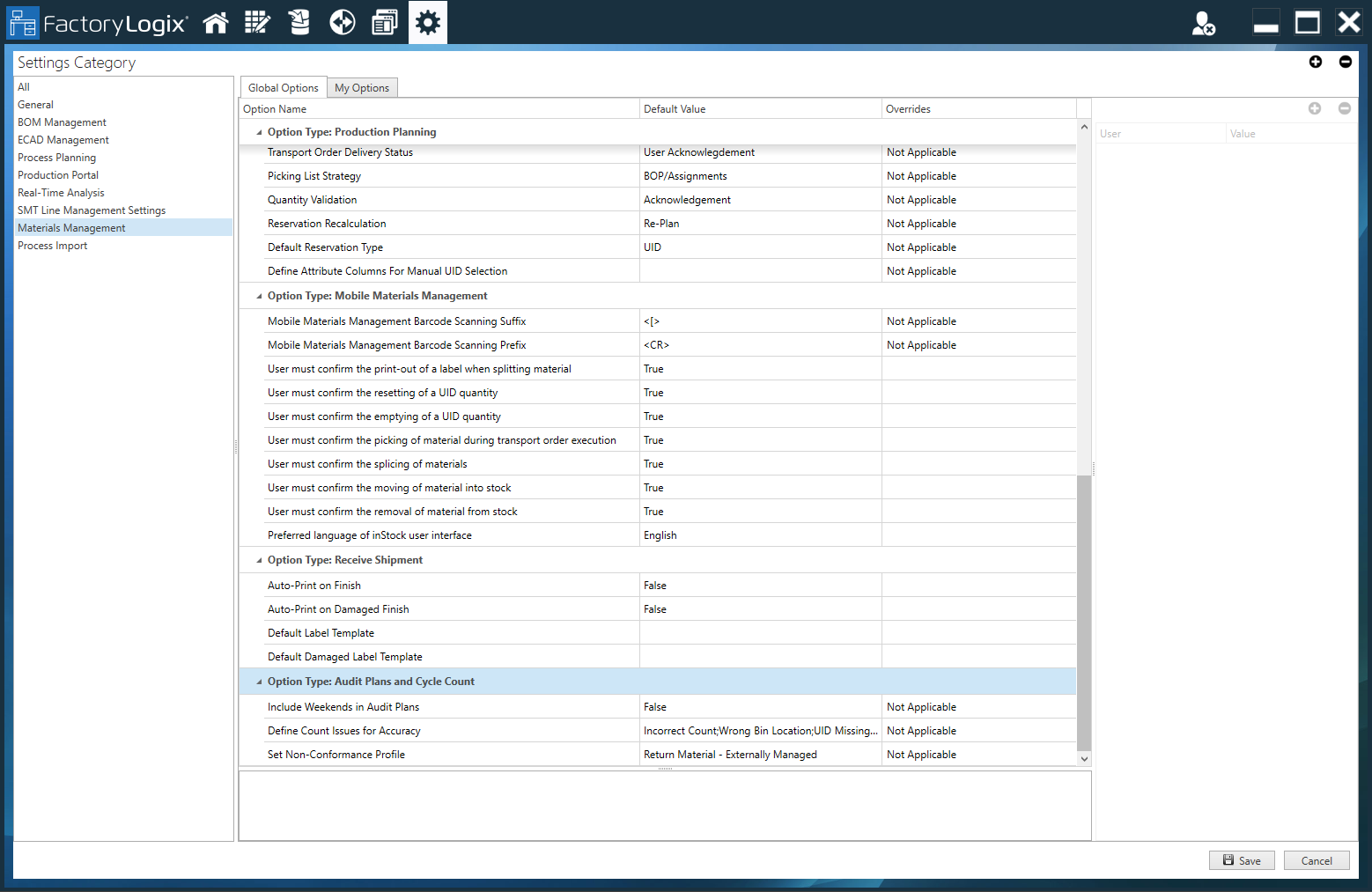
Inventory auditing global options can be found in the Materials Management global option category (FactoryLogix Office > Settings > Materials Management > Option Type: Audit Plans and Cycle Count). See Globale Optionen in FactoryLogix for more information.
Option | Description |
|---|---|
Include Weekends in Audit Plans |
|
Define Count Issues for Accuracy | An audit planner/administrator can define which specific count issues should be tracked for accuracy percentages (all options are selected by default). Count issues are displayed on the Count Issues tab in the Plan Details and Issues window.
|
Set Non-Conformance Profile | An audit planner/administrator can link any existing non-conformance profile to audit planning and cycle count issues. For details about creating non-conformance profiles, see Ein Abweichungsprofil erstellen. |