
Plan Details and Issues window
Overview
When an audit plan manager selects a plan from the Administration tab/list and selects Open, the Plan Details and Issues window displays.

Note
Only auditing tasks with count accuracy or scheduling issues are displayed in the Plan Details and Issues window. If an audit plan doesn’t contain any issues, the Count Issues, Scheduling Issues, and Plan Overview tabs will be blank and you will see the notification “No data to display”.
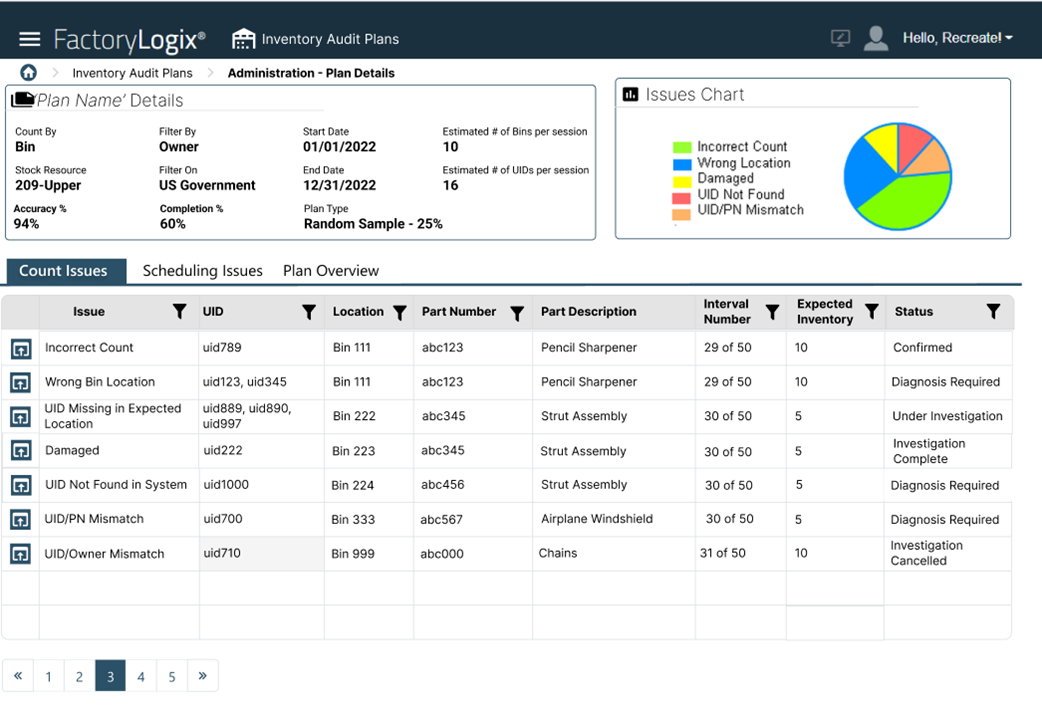
Plan Details
This area of the Plan Details and Issues window shows a summary of the plan properties including the plan type, name, and dates, counting and filtering data, accuracy and completion percentages, and estimated bins or part UIDs per session.
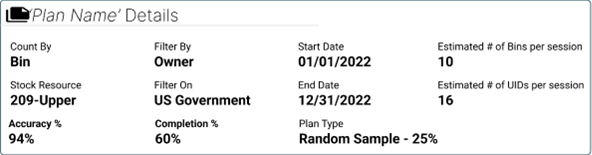
Issues charts
Dynamic charts display in the upper-right corner of the Plan Details and Issues window. The chart displayed depends on the currently-selected tab (Count Issues, Scheduling Issues, or Plan Overview).
When you select the Count Issues tab, a pie chart breaking down the percentages of the different types of count issue reasons uncovered so far during the plan execution.
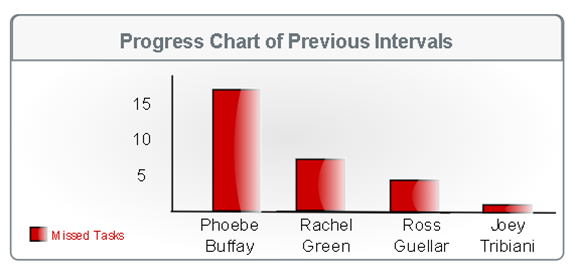
When you select the Scheduling Issues tab, a bar chart displays, including details on those counters who have missed tasks in previous intervals combined. The vertical line displays the number of incomplete tasks per counter. The maximum number of counters to display for this chart view is 10.
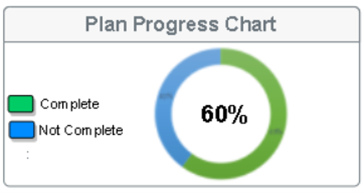
When you select the Plan Overview tab, a circle graph displays showing the entire progress of the plan from start to finish. Green signifies the percent complete and blue signifies the percentage not yet complete.
Count Issues, Scheduling issues, and Plan Overview tabs
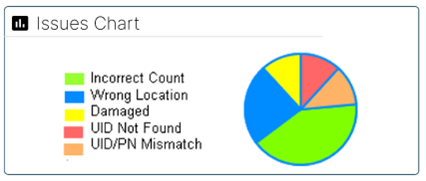
The main area of the Plan Details and Issues window displays a data grid that reflects information about the selected inventory audit plan.
There are multiple reasons/use cases for different inventory count issues - see Count Issues tab for more information about each use case.
Reason #1 – Incorrect Count
Reason #2 - UID Missing in Expected Bin Location
Reason #3 - Wrong Bin Location
Reason #4 - Damaged
Reason #5 - UID Not Registered in FactoryLogix
Reason #6 - UID/PN Mismatch
Reason #7 - UID/Owner Mismatch
The Scheduling Issues tab functions similarly for all types of inventory count issues - see Scheduling Issues tab for more information.
The Plan Overview tab functions similarly for all types of inventory count issues - see Plan Overview tab for more information.