
-
Melden Sie sich bei FactoryLogix Analytics an.
-
Wählen Sie im Fenster Analytics Home die Option Data Miner/Data Analysis aus.
-
Wählen Sie oben links im Fenster die Option Template Manager aus.
-
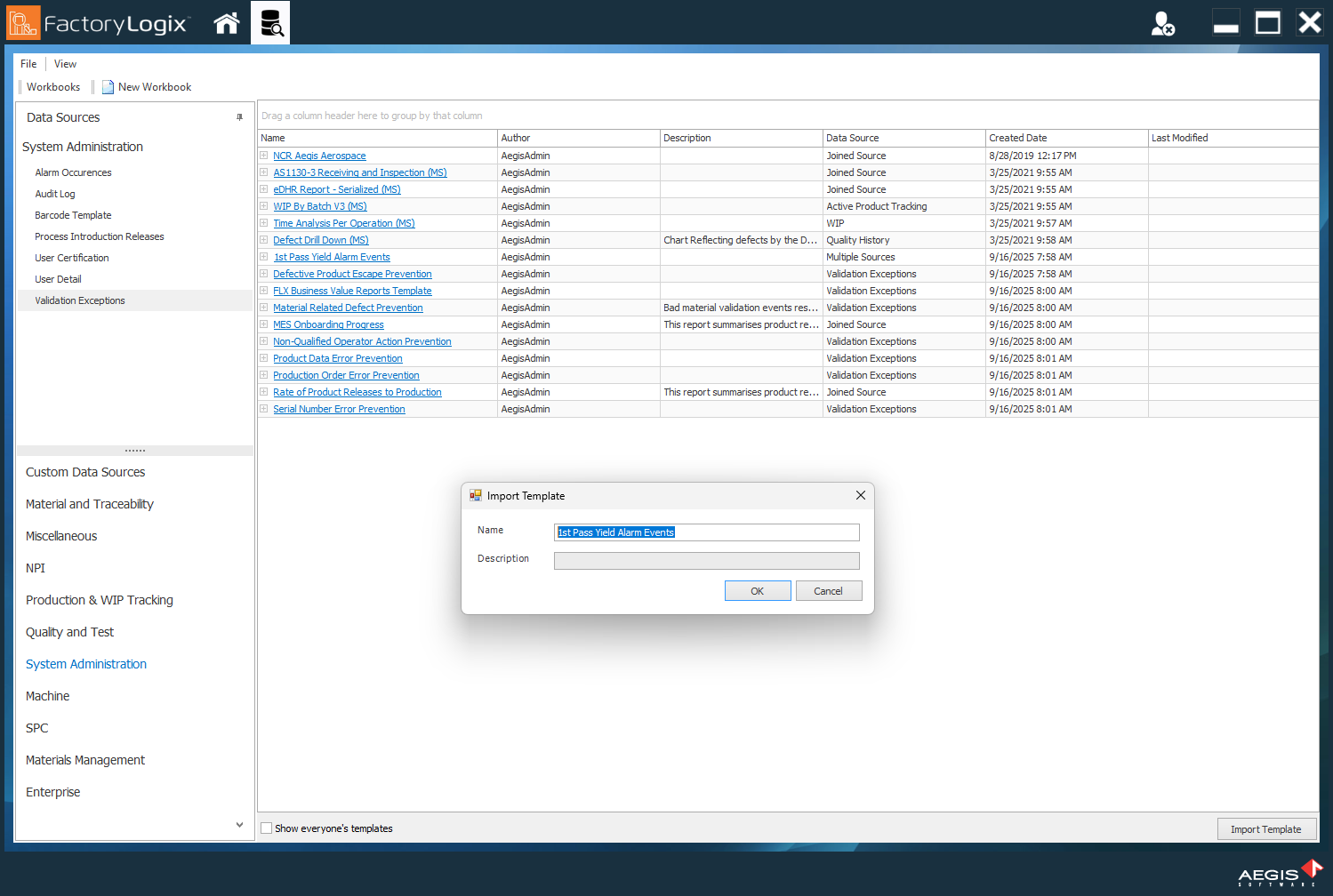
Wählen Sie unten rechts im Fenster die Schaltfläche Import Template aus.
-
Suchen Sie die Vorlage, die Sie importieren möchten, wählen Sie sie aus und klicken Sie dann auf Open.
-
Im Dialogfeld Import Template können Sie die Vorlage umbenennen und/oder eine Beschreibung der Vorlage anzeigen.
-
Klicken Sie auf OK, um die Vorlage zu importieren
👍