
Manage users and groups with Active Directory
ADMINISTRATOR
Microsoft Active Directory is a technology to manage computers and other devices on a network. Active Directory provides a way to organize a large number of FactoryLogix users and user groups into logical groups and subgroups and provides access control/management at each level.
Active Directory groups may be easily added to FactoryLogix user roles which will grant each user in that group all the rights assigned to that role.
Active Directory adds the benefit of inheriting whatever security and password rules your organization has set forth.

Note
If desired, you can maintain users and groups outside of FactoryLogix from a Windows domain controller using Active Directory.
Log into FactoryLogix Office.
Select System Configuration
 > Users and Roles.
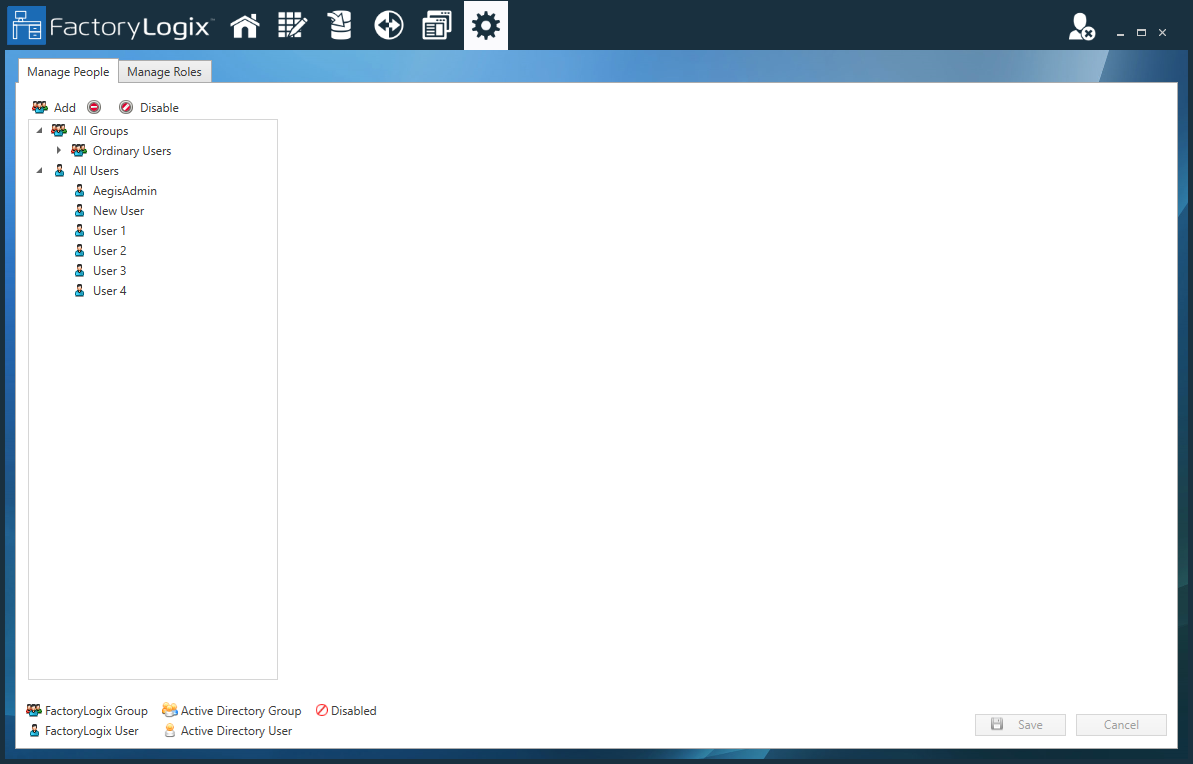
On the Manage People tab, select Add New User / Group
 .
.
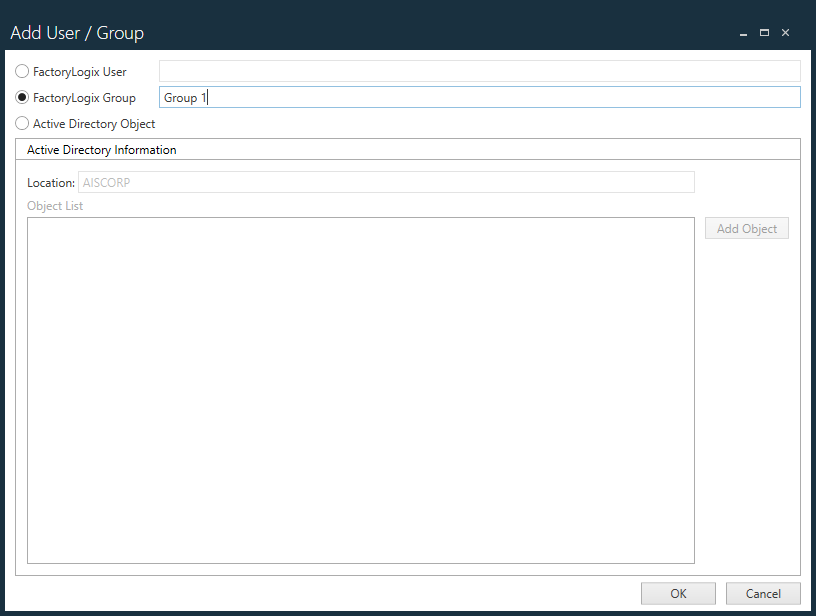
In the Add User / Group dialog, select Active Directory Object, then select Add Object.
In the Add Object dialog, select Users, Groups, or Both from the Object Type drop-down.
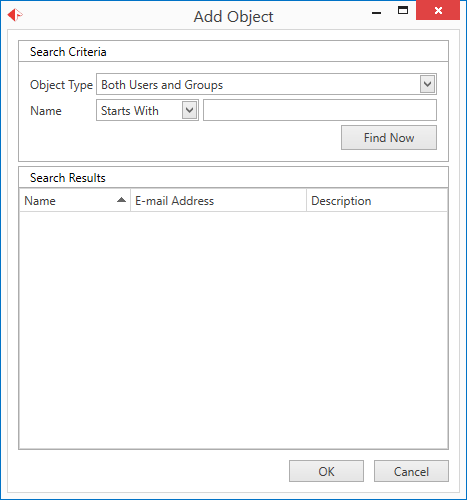
(Optional) Use the Name fields to specify additional name search criteria.
Select Find Now to display Active Directory users and/or groups that meet your search criteria.
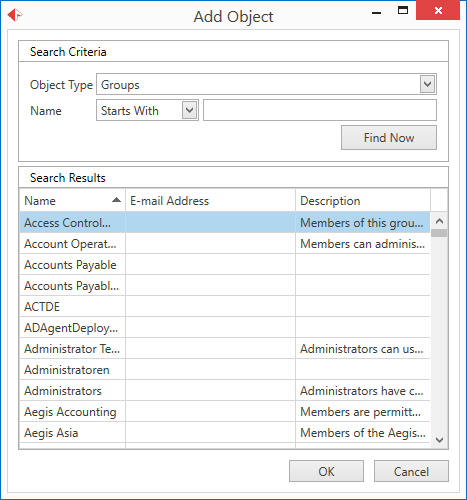
Under Search Results, locate the user or group you want to add to FactoryLogix, then select OK.
In the Add User / Group dialog, select OK to add the user or group.