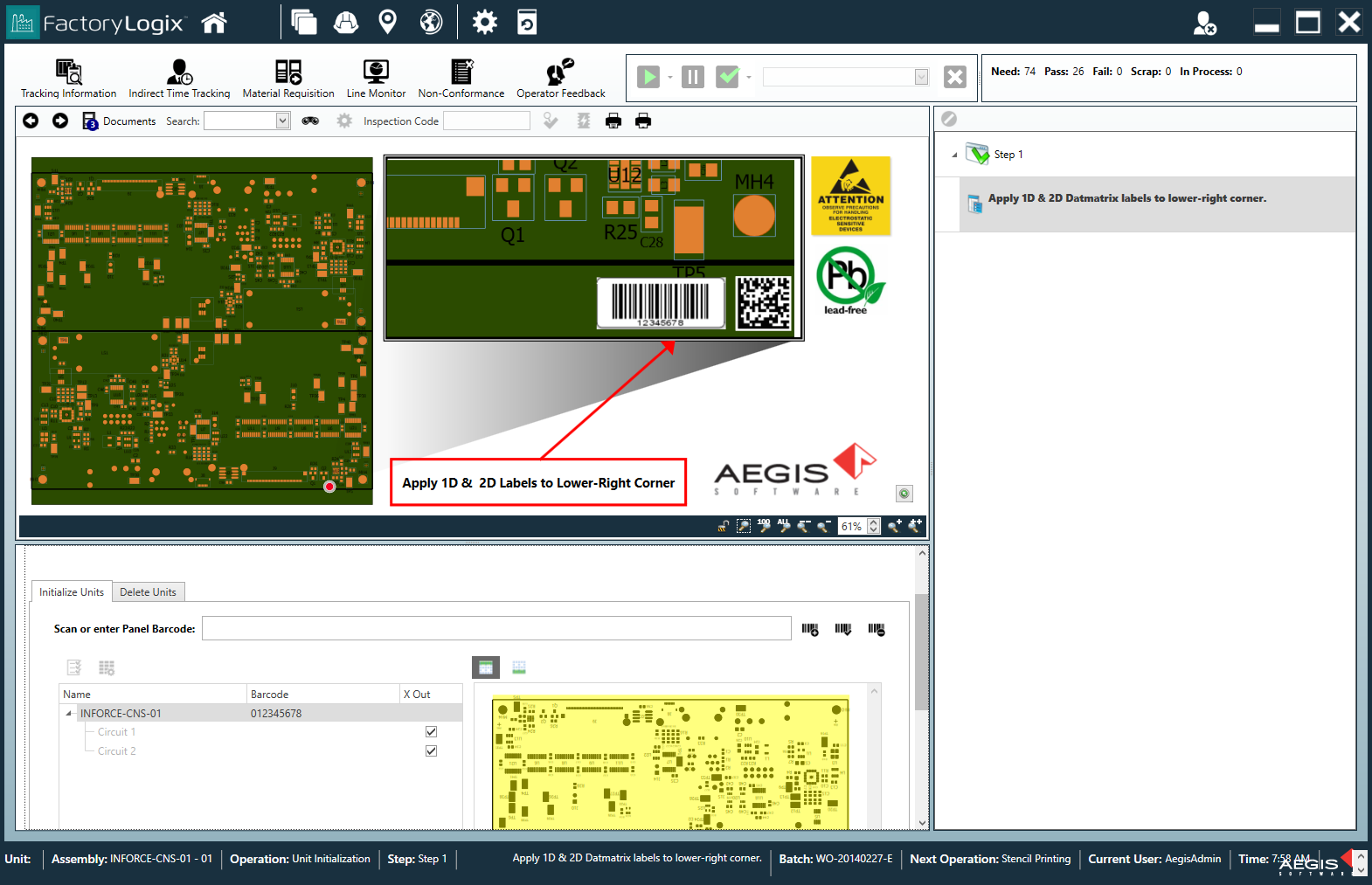
Log in and start work on a batch
To start work on a batch, follow these steps.
Log into FactoryLogix Operations.
When you log in, you see a list of recently-accessed batches under Recent Activity. On the right side of the window, you see recently-completed operations for the currently-selected batch under My Recent Operations.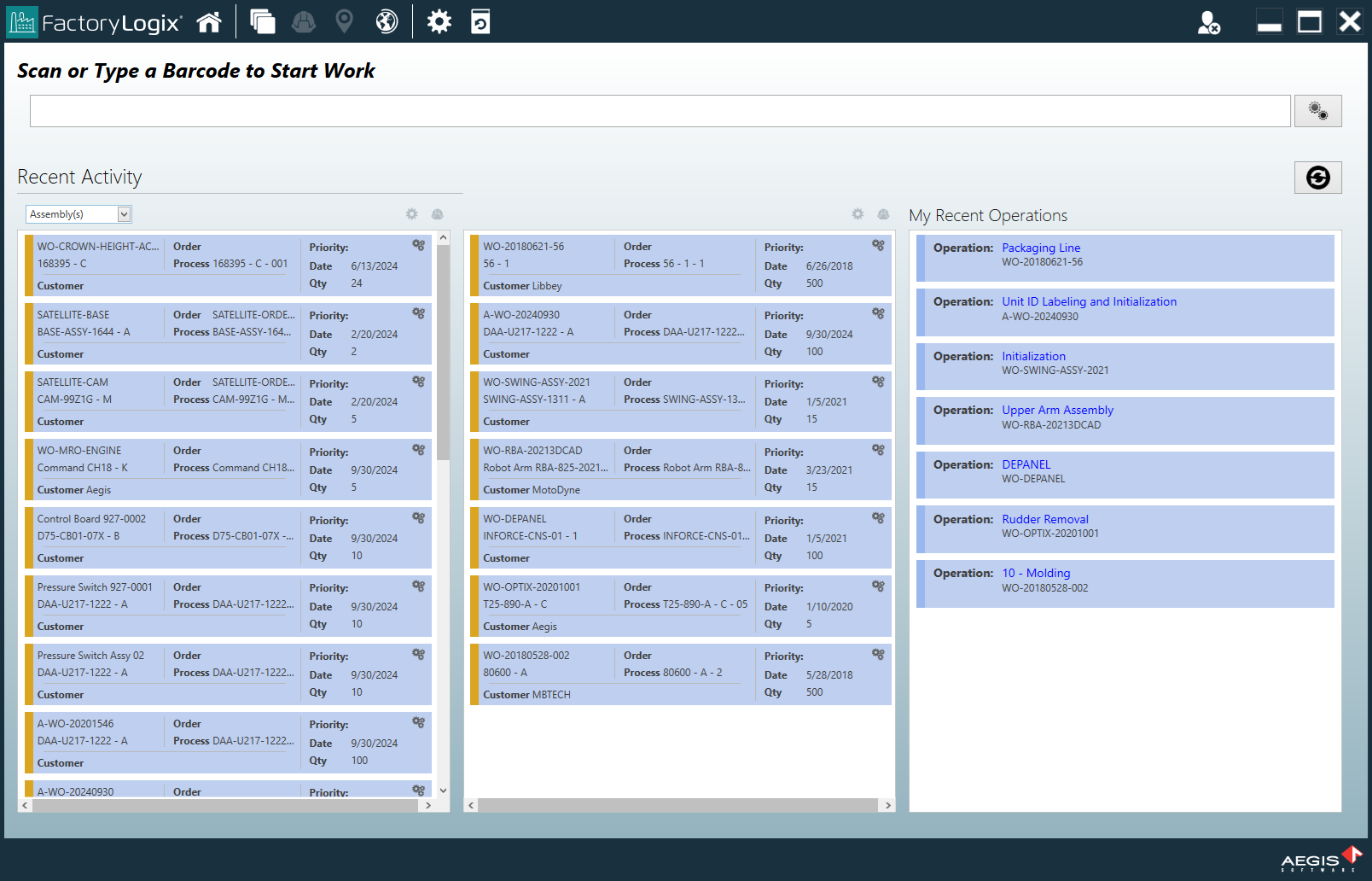
To start work on a batch, enter or scan the unit barcode from a product or assembly to immediately open the operation where it is expected.