
iMonitor Designer
ON-PREMISE ONLY
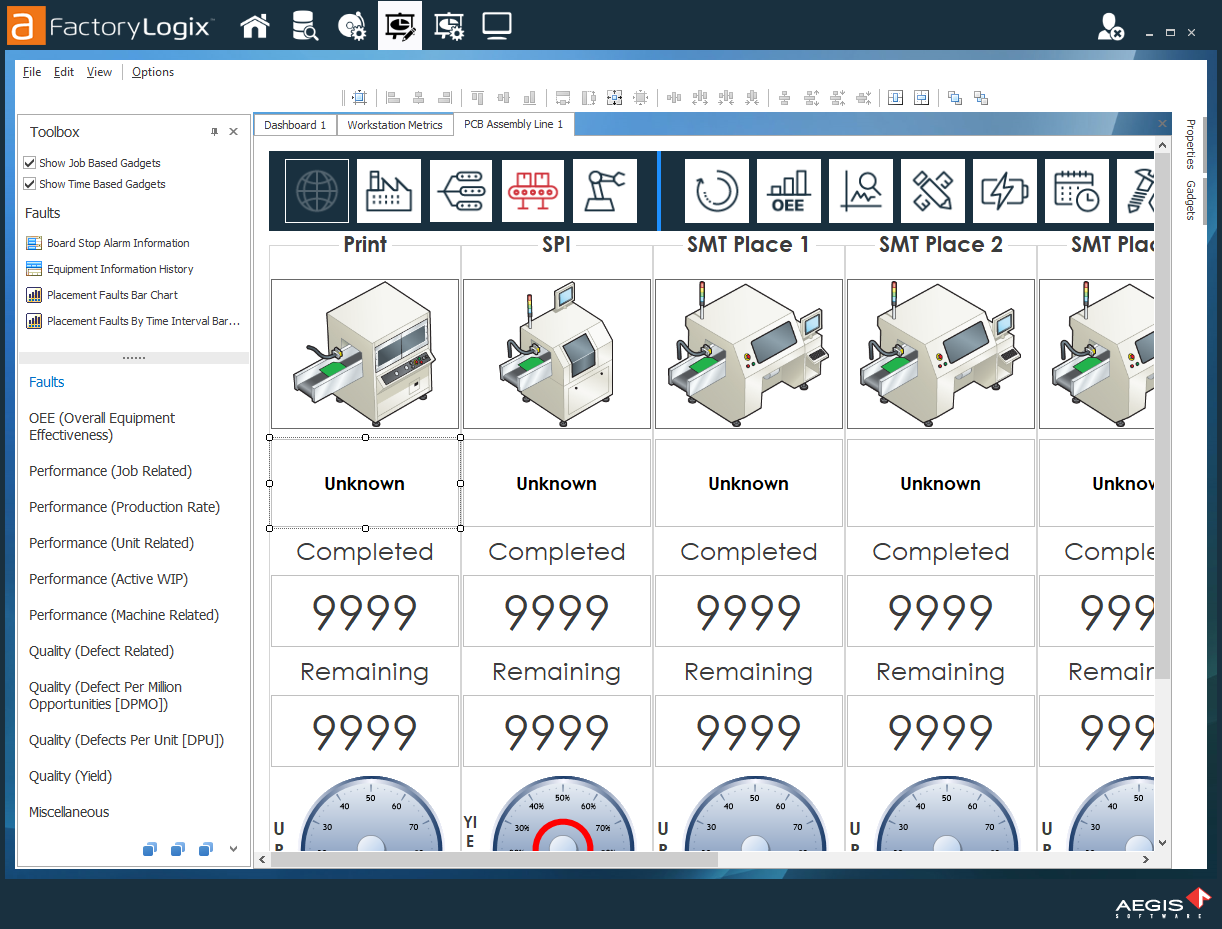
iMonitor Designer provides the tools to create dashboards displaying real-time access to production information in your factory. You can also create dashboards to place in the production line to provide data specific to a workstation, line, or other factory area. iMonitor also offers a variety of gauges and charts that you can configure based on your needs.

Note
FactoryLogix Online does not support the FactoryLogix Analytics iMonitor functionality described in this guide. If you want to create dashboards in FactoryLogix Online, use the FactoryLogix Website Analytics features. See Use Analytics for detailed information.
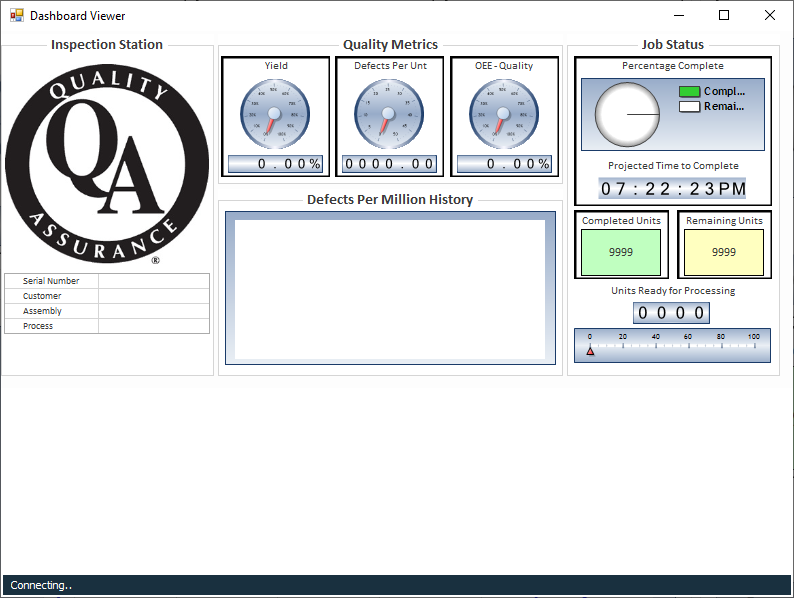
iMonitor's features and options allow you to:
Quickly design and configure a dashboard to gain access to real-time data collection
Group gauges and charts to quickly reference information within groups
Associate limits on specific gauges to define acceptable ranges
Display equipment information through xLink-enabled machines
Related topics |
|---|