IIS application pool setup
ADMINISTRATORON-PREMISE ONLY
Use the following procedure to set up the IIS application pool for the FactoryLogix website.
On the left side of the main IIS window, select Application Pools in the tree.
Right-click the FactoryLogix Website application pool in the list and select Advanced Settings.
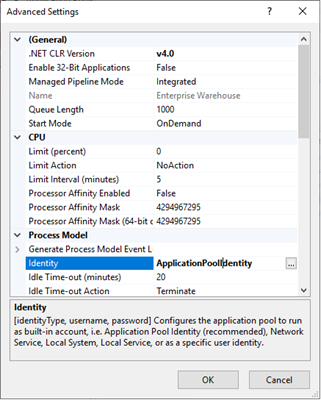
Select Identity under the Process Model section, then select the Browse (...) button.
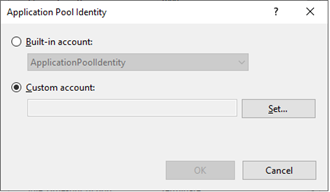
Select Custom Account, then select the Set button.
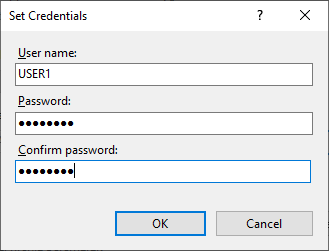
In the Set Credentials dialog, enter the User Name and Password of a local administrator account, confirm the password, then select OK until you return to the main IIS window.