
Create a new administrator role
ADMINISTRATOR
Use the following procedure if you need to create additional administrator roles.
Log into FactoryLogix Office.
Select System Configuration
 > Users and Roles.
Select the Manage Roles tab, then, select the New Role
 button.
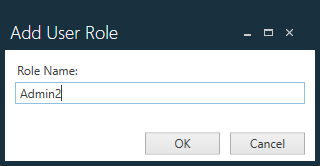
In the Add User Role dialog, enter a name for the new administrator role, then select OK.
On the Manage Roles tab, scroll through the categories and sub-categories under Permissions and select the permissions you want to grant to this administrator role.
To enable a permission, select its check box.
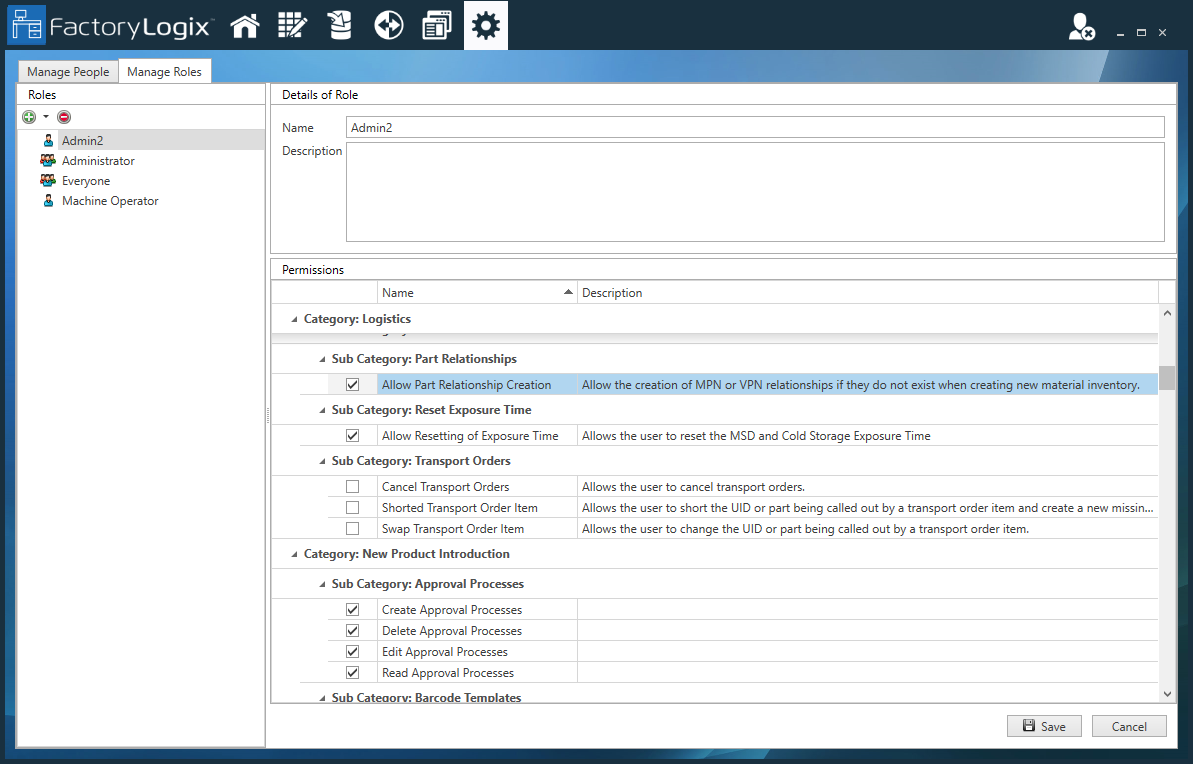
When you are finished configuring permissions for the new administrator role, select Save.