
Add a folder to the Document Library
Adding folders to your Document Library is the best way to keep documents/documentation related to process definitions, assemblies, and parts organized and easy to access.
Log into FactoryLogix Office.
Select Libraries
 > Document Library.
Select the Global Documents node on the tree, then select the Add Folder
 button.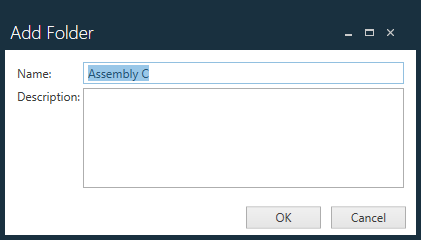
Enter a Name and (optionally) a Description for the folder, then select OK to add the new folder to the tree.
Edit folder properties
In the Document Library, you can quickly change a folder name or description.
Log into FactoryLogix Office.
Select Libraries
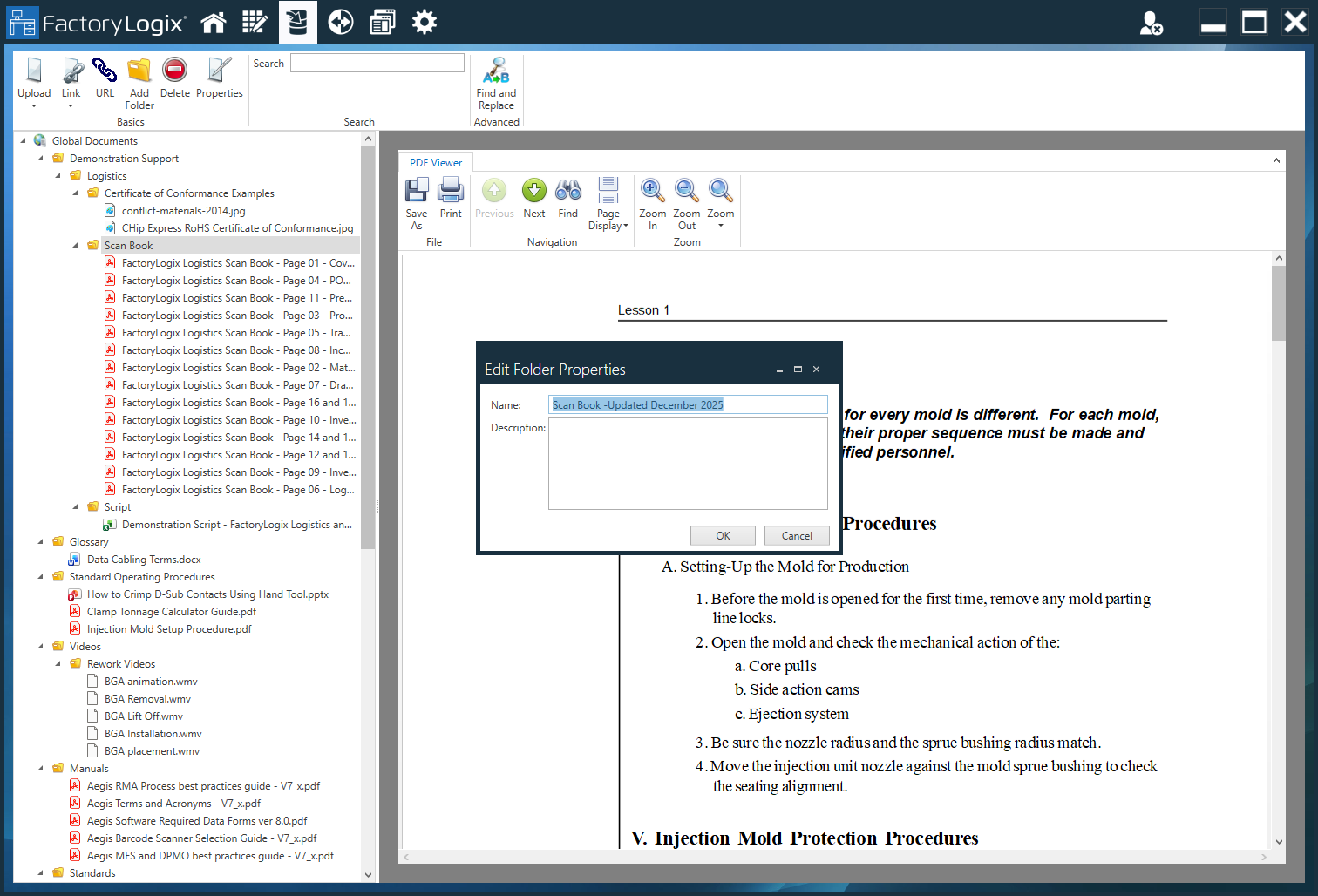
> Document Library.Expand the folder tree on the left side of the window and select the folder you want to modify, then select the Properties
 button at the top of the window.
Update the Name and/or Description of the folder, then select OK to save your changes.

Tip
Providing detailed descriptions for folders can help others in your organization quickly locate the exact folders they need.